World overlay
FateLimit
See the edge of every FATE, and know before you step out of it.
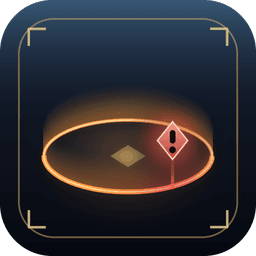
Draws the border of FATE areas right in the world. Wander too close and the border turns to a warning colour, a banner tells you how far you have left, and a marker hovers over the nearest point — no more losing level sync chasing one mob too far.
- Version
- v0.1.0
- Installs
- 191
- Updated
- 4 Nov 2026
- Dalamud API
- 15
What it does
Built for the moment you need it.
Five styles from Eorzea
Aether ring, Barrier wall, Marching dashes, Crystal runes and FATE ember — each made to sit in the world, not on top of it.
Only when it matters
Show every FATE around you, or nothing until you get close to the edge of the one you're in.
Follows the ground
Borders hug hills and slopes instead of floating through them, with a live preview for every setting.
Commands
Type it in chat.
| /fatelimit | Open the settings (also /fl) |
| /fatelimit test | Place a practice FATE around you |
Plays by the rules
Purely visual: it only reads where FATEs are, which your map already shows. It never moves your character or sends anything to the game.
Latest changes
What's new in v0.1.0
Version 0.1.0
- Five Border styles
- show borders all the time or only when getting closer to the limit
- Option to only show the border in the fate that you're currently in
- borders follow terrain
Install
On the official repository, in testing.
You need XIVLauncher with Dalamud enabled. FateLimit has been accepted into the official Dalamud repository and is in its testing phase, so it only shows up once testing builds are turned on.
- I
Open Dalamud settings
Type /xlsettings in the chat box.
- II
Turn on testing builds
In Experimental, tick Get plugin testing builds, then press Save.
- III
Search
Open /xlplugins and look for FateLimit — no extra repository needed.
- IV
Install
Press Install. Testing updates arrive on their own through Dalamud.


